Introduction
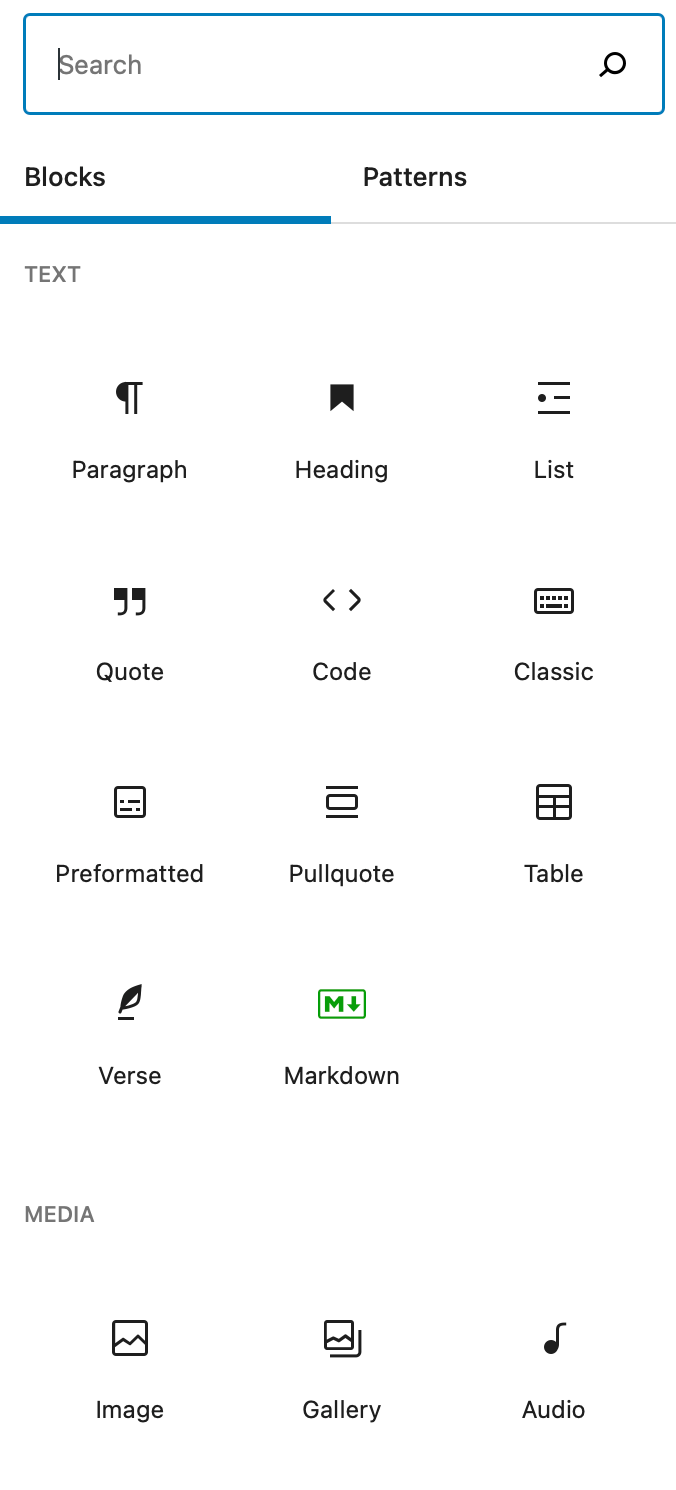
Web editors based on the block concept have become ubiquitous—from WordPress and Medium to Notion and countless note-taking apps. The idea of inserting prebuilt blocks (paragraphs, lists, kanban boards, calendars) with a simple / keypress is intuitive and beloved by users. Yet the current ecosystem is fragmented: every app implements blocks from scratch, making it impossible to share blocks across platforms. Enter the Block Protocol—a free, open, non-proprietary standard that lets any block work in any editor that follows the protocol. This guide will walk you through implementing the Block Protocol in your own web editor, step by step.
What You Need
- A basic web editor or content management system (CMS) you can modify (or a new project)
- Familiarity with HTML, CSS, and JavaScript
- Access to the Block Protocol specification (early draft available)
- A code editor and a modern browser
- Optional: Open-source sample code from the Block Protocol repository
Step-by-Step Guide
Step 1: Understand the Block Protocol
The Block Protocol is an open standard that defines how embedding applications (hosts) communicate with block instances. A block is any self-contained UI element that makes sense in a document—paragraph, list, table, diagram, kanban board, order form, calendar, video, or anything that interacts with structured data. The protocol ensures that blocks are interchangeable: you write a block once, and it works in any editor that supports the protocol. Key concepts:
- Host: The editor or application that displays blocks.
- Block: A piece of content that conforms to the protocol’s messaging interface.
- Messaging: Communication is done via
postMessagebetween host and block (iframes) or via a shared JavaScript context.
Read the specification to grasp the exact message formats. At this point, you only need to understand the high-level architecture.
Step 2: Set Up Your Editor to Host Blocks
Your editor needs to be able to embed block instances and communicate with them. The host must:
- Provide a container (e.g., an
<iframe>or a sandboxed<div>) for each block. - Implement the protocol’s message channel: listen for messages from blocks and send messages to them.
- Allow users to insert new blocks (typically via a / command or a + button).
If you’re building from scratch, start with a simple HTML page that contains a contenteditable div for text and a button to add blocks. For existing editors, extend the plugin/block system to support external blocks by loading them via the protocol.
Step 3: Implement the Block Host API
The core of the host is the messaging interface. Follow these sub-steps:
- Create a message handler that listens for
messageevents from the block’s iframe or window. Check the origin to ensure security. - Respond to block requests. The block may ask for data (e.g., the user’s current document state) or send updates (e.g., new content). The protocol specifies message types like
getData,setData,focusChange. - Send initialization data when the block loads. Include any context the block needs (e.g., user preferences, document ID).
- Handle block lifecycle: create, update, delete, and reorder blocks.
Use the sample code from the Block Protocol project—it’s open-source and demonstrates a minimal host.
Step 4: Build or Integrate a Block Using the Protocol
Now that your editor can host blocks, you need actual blocks. You can either:
- Create a simple block yourself (e.g., a paragraph block that supports basic formatting). Follow the specification to implement the message listener and sender in JavaScript. Package it as a standalone HTML file or a web component.
- Use an existing block from the community. The Block Protocol aims to build an open library. Initially, you may need to create your own blocks or adapt open-source ones.
For a quick test, create a block that displays a static message and responds to a “click” event. Then embed it in your host editor.

Step 5: Test and Debug the Interaction
Open your editor in a browser. Insert the block. Use browser developer tools to monitor console logs and postMessage events. Verify the block loads, receives initialization data, and can send messages back. Common issues:
- Missing or incorrect origin checks (security errors).
- Message format mismatches (check JSON structure).
- Cross-origin restrictions (use
postMessagewith iframe).
Iterate until the block renders correctly and updates are propagated.
Step 6: Publish and Contribute to the Ecosystem
Once your editor supports at least one block, consider:
- Announcing support in your project’s documentation and community.
- Contributing your block to the Block Protocol’s open library (if you created a general-purpose block).
- Encouraging other developers to create blocks for your editor by providing easy-to-follow examples.
- Joining the open source community to help refine the protocol.
Remember: the protocol is still in an early draft stage. Your feedback can shape its future.
Tips for Success
- Start small: Implement one simple block type (e.g., a paragraph block) to avoid overwhelming yourself.
- Use the official sample code—it’s a great reference for both host and block implementation.
- Think about security: Blocks run in iframes, so sanitize messages and restrict origins.
- Plan for flexibility: Your host should allow blocks to pass structured data (e.g., JSON) so they can handle complex content like calendars or kanban boards.
- Stay updated: The protocol is evolving. Follow the official website and GitHub repository for changes.
- Engage the community: Share your experience and help build a library of reusable blocks—the biggest benefit of the protocol comes from collective effort.
By following these steps, you’ll not only enhance your own editor but also contribute to a web where blocks are truly interchangeable, making life easier for developers and users alike.